 (316) 844-0235
 Contact Us
What They Are, Who They Are For, and How to Use Them
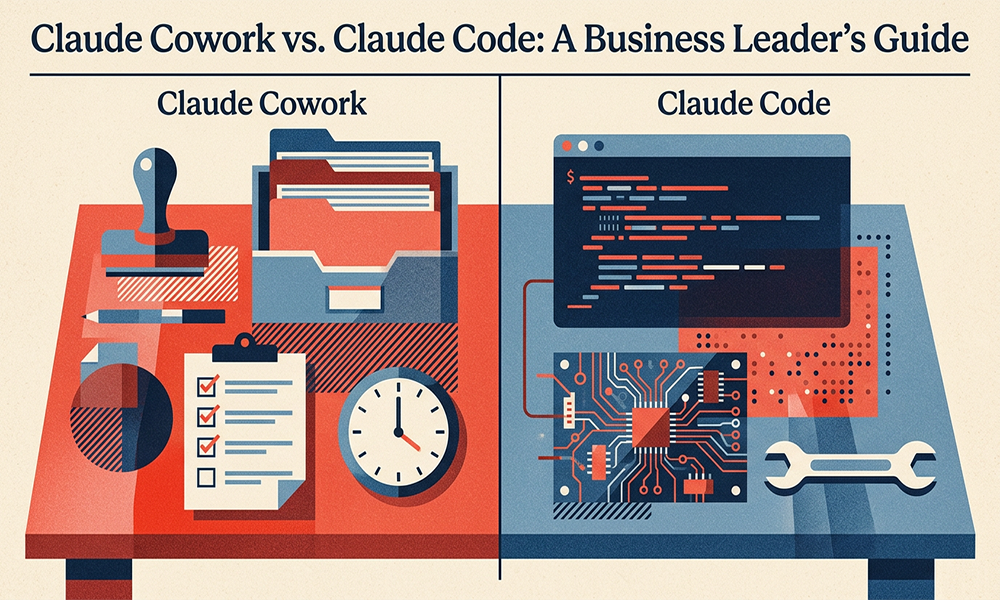
Quick Answer: Claude Cowork is AI that works inside your files and folders, built for non-technical teams like executives, marketers, and operations leaders. Claude Code is a command-line tool that lets developers hand off real software work to AI. Together with Claude Chat, they form a three-layer Claude work stack that covers conversation, execution, and building.
Why Most AI Use at Work Stalls in the Chat Window
If your team has used AI in the last year, almost all of that use has happened inside a chat window. Someone types a question, gets an answer, copies it out, pastes it into a doc or an email, and moves on.
The chat window is the front door to AI. It is a terrific front door. The problem is that most teams never leave the lobby. They never move from “talking to AI” to “letting AI do the work.” The AI helps. It does not compound.
The next phase of AI at work is about leaving the chat window. Anthropic has built two surfaces that do exactly that. They are called Claude Cowork and Claude Code.
What Is Claude Cowork?
Quick Answer: Claude Cowork is a feature of the Claude desktop app designed for non-technical users. It lets Claude read your folders directly, do the work inside your real documents, and save the finished files back where you want them. Cowork is currently a research preview.
Think of Cowork as moving Claude out of a chat bubble and onto your desktop. Instead of pasting content back and forth between a chat and your files, Claude works where your work already lives.
What can Claude Cowork actually do?
Point Claude at a folder of customer feedback and say, “group these into themes, build me a one-page executive summary, and save it as a Word doc.” It does it.
Hand Claude a messy spreadsheet and say, “clean this up, add a column for lifetime value, and chart the top ten customers.” Done, saved, linked, ready to send.
Ask Claude to turn a podcast transcript into a blog post, a newsletter, three LinkedIn posts, and a social carousel. Finished files, not content you still need to reformat.
Have Claude build a keynote deck, complete with speaker notes, in your brand voice.
What are Skills and Connectors?
Skills are pre-built expertise packages for specific kinds of work. There are Skills for Word documents, PowerPoints, Excel, PDFs, and more. Each Skill holds the accumulated best practices for producing that format well. When you ask Claude to make a presentation, it pulls in the deck-making Skill and produces something that does not look like a generic template.
Connectors, sometimes called MCPs, plug Claude into the tools you already use. Your calendar. Your Slack. Your Asana or Jira. Your Gmail or Outlook. Your Google Drive or OneDrive. When you connect them, Claude stops being a chat window and becomes something closer to an assistant with arms.
Who should use Claude Cowork?
Claude Cowork is built for executives, operations leaders, marketers, sales leaders, founders, and any knowledge worker whose day lives in files and meetings, not code. It is the first AI surface designed to fit the actual shape of a non-technical workday.
What is a simple before-and-after example?
In a chat window, you might ask, “Help me write an update for my board.” You get a draft. You copy it, paste it into Word, fix the formatting, find last quarter’s numbers, drop them in, reformat again, save, attach, send.
In Cowork, you hand Claude the folder with last quarter’s board deck and this quarter’s financials and say, “Build me a four-page board update in the same style, save it here, and flag anywhere the narrative doesn’t match the numbers.” Two different universes of work.
What Is Claude Code?
Quick Answer: Claude Code is a command-line tool that lets developers delegate real coding work to AI. It is built for developers, engineering teams, and product builders. For business owners, the headline is simple: the cost and speed of building software has changed.
At first glance Claude Code looks technical because it runs from the terminal. Translated into business language: it lets a developer hand off coding work to Claude and then review the output, the same way a senior engineer reviews a junior engineer’s pull request. The developer sets the direction. Claude Code writes the code, runs the tests, and returns when it is done or stuck.
What does Claude Code mean for a business owner?
Tasks that used to take a junior engineer a week can now take a senior engineer a day, because Claude Code is doing the mechanical part and the engineer is doing the judgment part.
The downstream effects in organizations using it well include:
- Engineering throughput goes up without headcount going up.
- Backlogs that sat untouched for quarters finally get cleared.
- Ideas shift from “let’s try it if we have budget” to “let’s try it this afternoon.”
- Smaller companies get engineering velocity that used to be reserved for much larger teams.
If you run a company that ships software and your engineering team is not using tools like Claude Code yet, you are paying 2019 prices for 2026 work. That is a strategic problem, not a tooling one.
What should non-technical leaders do about Claude Code?
You do not need to know how Claude Code runs. You need to know whether your CTO, Head of Engineering, or development partner has evaluated it and decided, with reasons, whether to adopt it. If they have not, that is the conversation to schedule this quarter.
What changes when engineering velocity goes up?
When engineering velocity rises, the bottleneck moves. The constraint on new products stops being “can we build it?” and becomes “do we know what is worth building?”
That shift exposes whatever is underdeveloped in your strategy, customer research, or product discovery function. AI does not just speed up the work. It reveals which part of the business was always the real limiter. For leaders paying attention, that signal is worth as much as the productivity gain.
What Is the Claude Leverage Stack?
The Claude Leverage Stack is a three-layer framework for thinking about where AI sits in a business. It organizes Claude’s surfaces by user and by purpose.
Layer 1: Claude Chat.
The conversation layer. Anyone can use it. One task at a time. Best for thinking, drafting, ideating, and learning.
Layer 2: Claude Cowork.
The execution layer for non-technical teams. Turns conversations into finished files, repeatable workflows, and connected systems. This is where most departments will get their biggest productivity gains over the next 12 months.
Layer 3: Claude Code.
The building layer for technical teams. Turns engineering specs into shipped software. Multiplies the output of the development function.
Most organizations are operating at Layer 1 across the board. A few have experimented at Layer 2 or 3 in pockets. Almost none are using all three coherently as part of a deliberate strategy.
The opportunity is the coherence. When your marketing team works at Layer 2, your engineering team works at Layer 3, and your executives are thinking at Layer 1 about where AI should sit next, the whole company moves faster than the sum of its parts.
How Should My Business Start Using Claude?
Run one experiment in each layer. You do not need a task force or a six-month roadmap.
- Pick one knowledge worker. Have them spend four hours this week rebuilding one recurring task (a weekly report, a monthly summary, a regular proposal) using Claude Cowork or an equivalent AI-plus-files tool. Measure how long the task used to take and how long it takes now.
- Pick one developer or engineering partner. Have them evaluate Claude Code on one small project. Not the full roadmap. One feature, one bug, one refactor. Ask them to report back on speed, quality, and cost.
- Compare both reports side by side. Decide what to scale.
That one exercise, done honestly, will tell you more about your real AI strategy than any conference keynote, vendor demo, or consultant slide deck.
The companies winning with AI right now are not the ones who talked about it the most. They are the ones who got out of the chat window first.
Frequently Asked Questions About Claude Cowork and Claude Code
What is Claude Cowork?
Claude Cowork is a feature of the Claude desktop app that lets Claude work directly inside your files, folders, and connected tools. It is designed for non-technical users like executives, marketers, and operations leaders, and it is currently a research preview.
What is Claude Code?
Claude Code is a command-line tool from Anthropic that lets developers hand off real coding work to Claude. The developer sets the direction. Claude writes the code, runs the tests, and returns when it is done or stuck.
Is Claude Cowork available to everyone?
Claude Cowork is currently a research preview available through the Claude desktop app. It is expected to expand and mature over the coming months.
Do I need to be a developer to use Claude Code?
Yes. Claude Code is a command-line tool built for developers, engineering teams, and technical product builders. Non-technical leaders do not use it directly, but they should make sure their engineering function has evaluated it.
How do Claude Cowork and Claude Code work together?
They serve different layers of the same company. Cowork handles knowledge work in files and folders. Code handles software development. A marketing team might use Cowork while an engineering team uses Code, each layer amplifying the company’s overall output.
Which Claude surface should my business deploy first?
Most organizations get the fastest business impact by starting with Claude Chat across the leadership team and Claude Cowork for one department, then expanding to Claude Code once the engineering function is ready to evaluate it.
What is the Claude Leverage Stack?
The Claude Leverage Stack is a three-layer framework for deploying AI across a business: Chat for conversation and thinking, Cowork for non-technical execution, and Code for engineering output. Companies that use all three coherently move faster than those operating at only one layer.
0 Comments