PRIVATE ACCESS ONLY – Do Not Share
Remember, This page contains an overview of the Virtual Switcher Setup Tutorial using vMix, StreamDeck, and ZOOM. This page is NOT meant to be an all-inclusive tutorial. The setup is complicated.
Schedule your screen-sharing setup sessions with Ford Saeks using this link: www.MeetWithFord.com
You can click forward on the dots on the timeline to jump to different chapters in the video.
You can click forward on the dots on the timeline to jump to different chapters in the video.
You can click forward on the dots on the timeline to jump to different chapters in the video.
Basic Elements:
Webcam, Microphone, Elgato Stream Deck device and the vMix Software (HD license, unless you want the 4k)
Optional Recommended Resources:
- Sony A6400 Camera & lens
- Stream Deck 32 Buttons
- Yeti Mic (or similar quality mic)
- Studio lights (1 for the front – key light, and 1 for your background
- Get additional Sound Effects files (mp3/wav) from SoundStripe

Primary Camera
Sony A6400

Primary Lens
Sigma 30mm f1.4

Microphone
Blue Yeti

Macro Shortcuts
Elgato Stream Deck 32

Switch Board
ATEM Mini
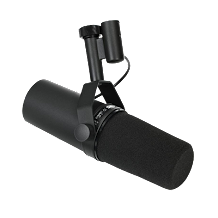
Microphone
Shure SM7B

Audio Interface
Focusrite Scarletter

Boom Arm
Desktop Boom Arm

Streaming Lights
Desk Mount LED

Streaming Light
Neewer Ring LED

Background Lights
LED Floor Lights

Camera Mount
Desktop Camera Mount

Field Monitor
Atmos Ninja

Desktop Tripod
Manfrotto PIXI

Listen Only Earpiece
COMMIXC Headset
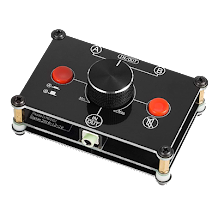
Audio Switcher
Nobsound Little Bear

Streaming Camera 4K
OBSBOT Camera
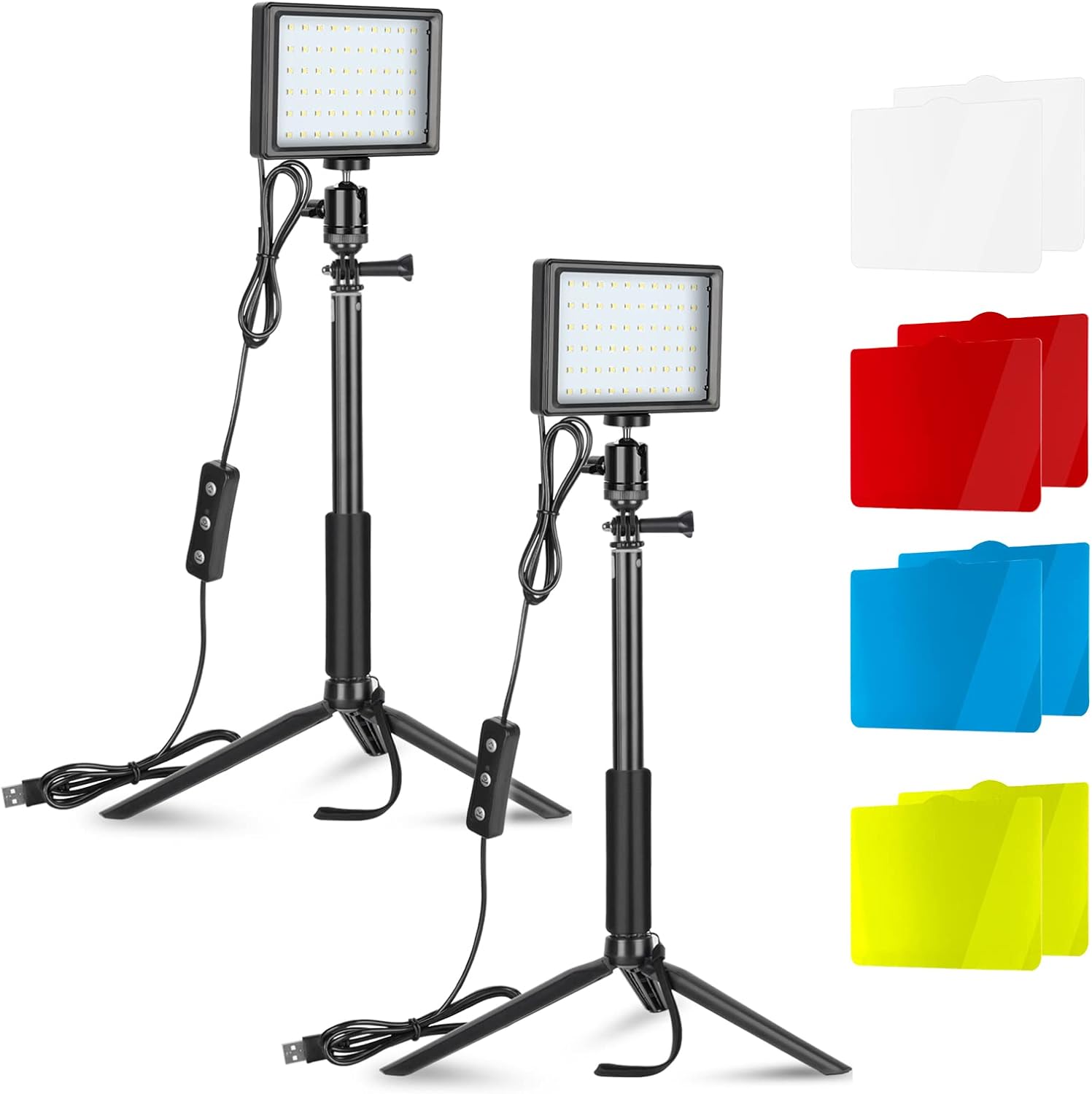
Desktop Tripod
Video Lighting Kit
Prime Concepts Group, Inc
Ford Saeks
Business Growth Accelerator
Tutorial Video Production Credit:
Sean Sandifer, Creative Director at PrimeConcepts.com
